
Mimecast – Get your free Threat Scan Today

Mimecast Cloud Integrated can help you identify malicious emails by running a report of what threats are in the inbox.
With Mimecast Cloud Integrated you can easily see the threats Mimecast has blocked and why and you can remove threats with a click of a button!
We will set up the for a threat scan and generate the report to rubber stamp your environment.
It takes 4 minutes to set up and the report will be ready in 2 working days.
Get your free Threat Scan today
How Does The Threat Scan Work?
The Mimecast Email Security Cloud Integrated Threat Scan processes 30 days of mail already delivered by Microsoft. The mail is processed using the same inspection engines when Mimecast protects live mail, giving you and your organization a window into the types of threats lying dormant in your inboxes. Mimecast will use the Microsoft Graph API within M365 and will not affect mail flow or modify settings in “Threat Scan Only” mode.
What Privileges Are Required?
Mimecast requires M365 Global Admin privileges to allow access to mail and optionally remediate any discovered threats. For more information on the required privileges, review the Connecting to Microsoft 365 article on Mimecaster Central.
What Threat Information Is Provided?
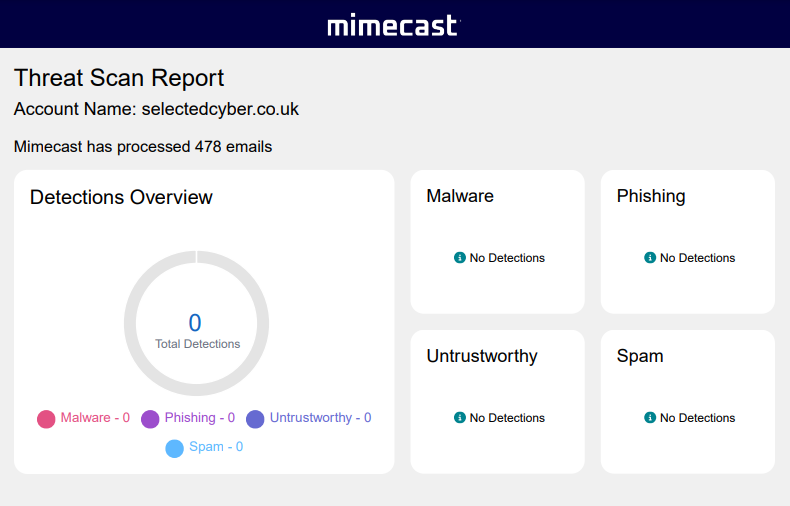
Threats and unwanted mail are shown in 4 categories: Malware, Phishing, Untrustworthy and Spam.
Upon completion of the Threat Scan, a notification email will be sent with a summary report attached. A Mimecast representative can also provide a Loss Avoidance report based on the Threat Scan detections.